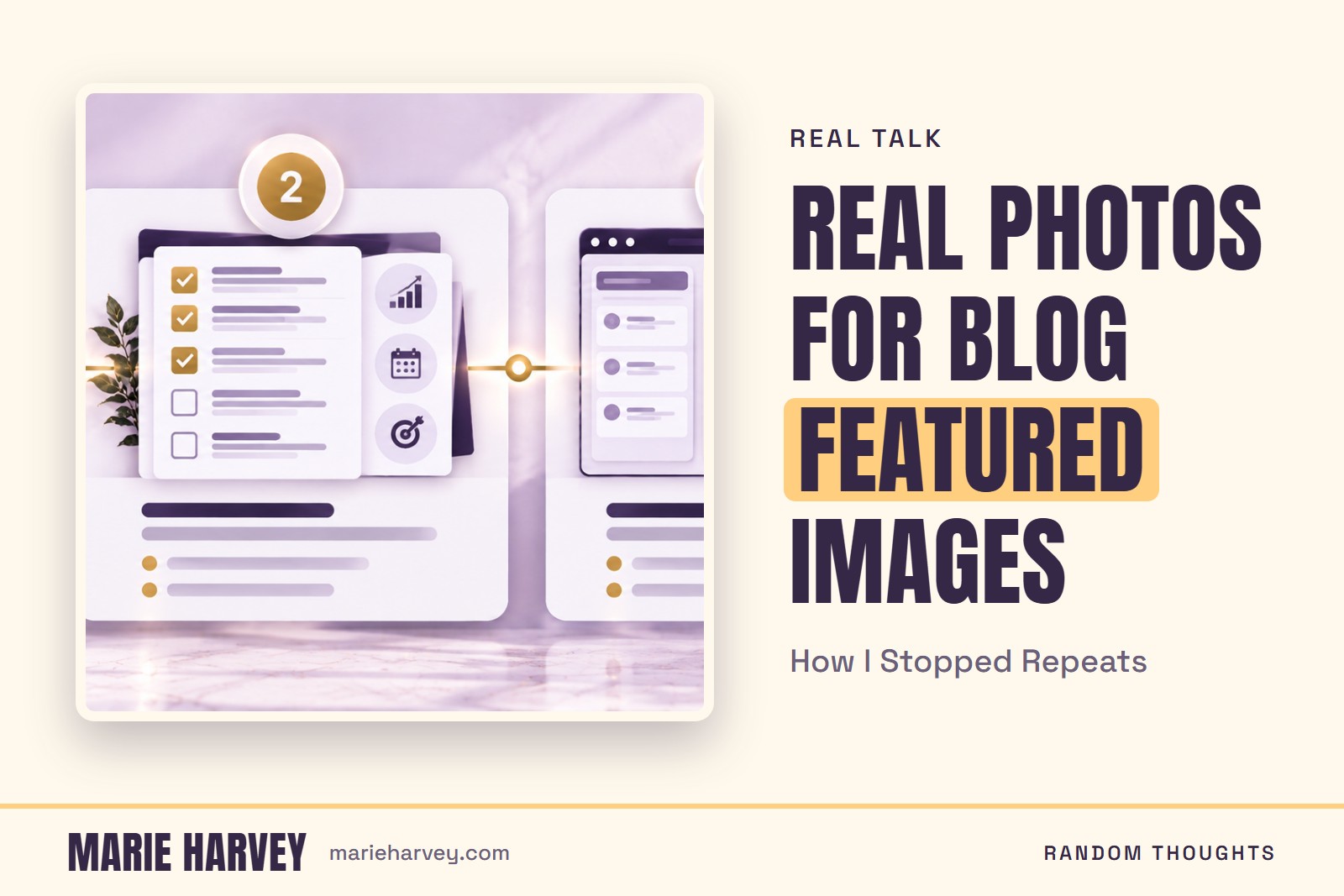
Real photos for blog featured images ran short on my site: I only had about 30 to choose from, so on September 19, 2026 I grew the library to about 72 photos plus 18 illustrated mockups and gave every post its own image. Each featured image on Random Thoughts is built on a real photo of me or my work, or on an illustrated mockup that is labeled as an illustration. Here is how the library got bigger, what I keep out of it, and how the images get their alt text.
Why did my blog images start repeating?
Because the pool of photos was small. That day, every Random Thoughts post got a designed featured image, and the supply of confirmed photos I owned was about 29 or 30. When you make a new image for every post from that few photos, some of them come back around with a different layout. I could see the repeats before my readers would, and I did not want a page of posts that all looked like the same few photos.
What does a Random Thoughts featured image look like?
Each one is a 1600 by 1067 graphic in the photo-background look I use for my Pinterest pins: a real owned photo (or, for a few posts, an illustrated mockup), one big headline with a gold highlight bar, a small kicker, one short sub-line, and a MARIE HARVEY strip along the bottom. Words only ever sit on a solid area of the design, never across a face or a product. That keeps the headline readable and keeps the photo honest.
How did the photo library grow from about 30 to about 90 images?
I opened up more of my own photos. I added real photos from the folders where my Marie Gems and business-life photos live, plus one DTF printer photo from a Drive folder, and I added 18 illustrated mockups from the Marie Glow Studio side of my work, which the library labels as illustrations. One subfolder looked off limits from its name and turned out to hold photos of DTF prints, so now I open a folder before I rule it out. Once the library reached about 90 usable images, about 72 photos and those 18 illustrations, all 19 posts at that point had a different image each. There had been 3 repeats among the posts not yet published, and I swapped those before they went out.
What do I keep out of the photo library?
Every photo gets looked at first, and I leave out anything showing a child, a customer's name or anyone else's name, a personal document, or a shipping label. One photo of a QR keychain showed a real person's name, and it was caught and removed after it had already been added. Benable product photos stay out of these images too. I also marked 16 small photos and all of the illustrations as blog only, so they never end up on a Pinterest pin.
Why does the renderer refuse to enlarge a photo?
A soft photo looks worse than a repeat. The renderer now refuses any photo that would have to be enlarged more than 1.6 times, so a low-resolution image cannot go out on a publish day when nobody is looking. Illustrations are labeled as illustrations, and their alt text says "an illustration of" instead of "a photo of," which keeps the page honest about what it shows.
How does each image get its alt text?
The alt text is the headline printed on the image plus what the photo shows. One example is a graphic titled "How I Use AI Agents" with a photo of my cat looking at my laptop screen. The old alt text described only the photo, so the words on the image were invisible to screen readers and to search. The same setup now names the file after the post's own URL words, and it adds the post to my sitemap in the same publish, so nothing is left as a separate chore.
Why use real photos for blog featured images?
Because this site is about me and my work, so the photos on it are real photos of me or my work, not stock. The illustrated mockups are the one exception, and the alt text on those says "an illustration of" so nobody mistakes them for a photo. The automatic step that builds each image chooses only from photos and mockups I have already reviewed and cleared. If you want the tools behind this site, the AI tools I actually use covers them, and you can see the businesses the photos come from on my Brands page.
What is still left to sort?
There is a backlog. Some folders I have not gone through yet, and they are more likely to hold photos of my kids or customer orders, and there are still well over a hundred files I have not viewed one by one. The automatic step picks the best keyword match and prefers photos not used yet, but an automatic image is good and generic, and adding more real photos is what makes them better.
Frequently asked questions
What do you keep out of your blog photo library?
Every photo is looked at first, and anything showing a child, a customer’s or another person’s name, a personal document, or a shipping label is left out. Benable product photos are also kept out of these images.
How is the alt text on a featured image written?
It is the headline printed on the image plus what the photo shows, for example a graphic titled "How I Use AI Agents" with a photo of Marie Harvey’s cat looking at her laptop screen. The older alt text described only the photo, so the on-image text was invisible to screen readers and search.