
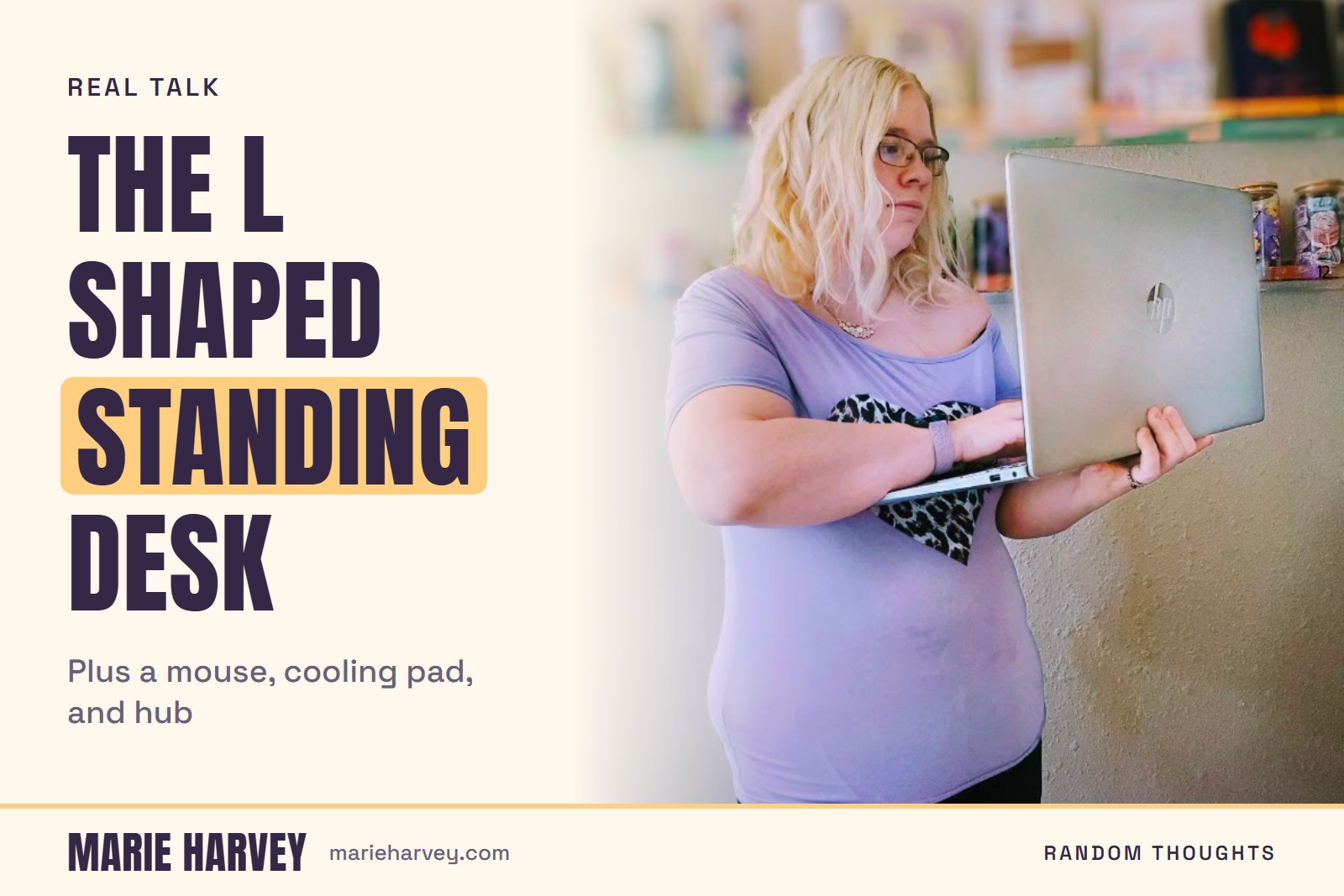
An L-shaped electric standing desk, a wireless mouse, a laptop cooling pad, and a four-port USB hub are the four home office pieces I would start with, and all four sit on my HOME MUST HAVES list on Amazon. Here is what each one does, what to check before buying it, and which ones a smaller space can skip.
Disclosure: some links in this post are affiliate links, and as an Amazon Associate, I earn from qualifying purchases, at no extra cost to you.
Why an L-shaped standing desk for a home office?
An L-shaped desk gives you two work surfaces at right angles, so one side can hold your screen and keyboard while the other stays open for physical work. For someone running a product shop, that second surface is where a transfer gets checked, a label gets stuck on, or an order gets packed. The Casaottima 63 inch L-shaped electric standing desk is the desk on my HOME MUST HAVES list. Electric means a motor raises and lowers it at the touch of a button, so switching between sitting and standing takes seconds instead of a crank and a bit of effort.
I run Marie Gems, a DTF transfer shop in Wichita, Kansas, and Marie Glow Studio from home while raising seven kids, and a day that mixes screen work with hands-on work is the situation an L-shaped desk is built for.
How big is a 63 inch L-shaped desk, and will it fit?
The 63 in the listing name is the desk's stated size in inches, a little over five feet. Before you order any L-shaped desk, measure the corner where it will sit and the walking space around it, then check the listing for the length and depth of the shorter wing. Those numbers decide whether it fits, and I am not reprinting dimensions I have not verified, so treat the Amazon listing as the source.
Do I need a separate mouse?
If you work on a laptop for hours, a separate mouse is mostly about comfort. The Redragon wireless gaming mouse is the one on my list, and Amazon lists it as a gaming mouse, which tells you it is built for long sessions of constant clicking. Whichever mouse you choose, check how it connects, with a small dongle or over Bluetooth, and whether it takes batteries or recharges. Those two details decide how often it interrupts your work.
What does a laptop cooling pad actually do?
A laptop juggling product listings, image editing, and a dozen browser tabs will spin its fan hard. A cooling pad, like the ChillCore laptop cooling pad, sits under the laptop and moves air around the underside, which mostly helps with heat and fan noise. Skip it if you work on a desktop or your laptop stays quiet all day. It solves one problem, and if you do not have that problem it is just another thing on the desk.
Why add a USB hub?
Newer laptops keep losing ports, and a hub turns one port into several. The Acer USB 3.0 hub with four ports lets a mouse dongle, an external drive, a card reader, and a phone cable stay plugged in at once. Check that the ports are labeled USB 3.0, since the older USB 2.0 standard is much slower when you are moving files to or from a drive.
How should you arrange an L-shaped desk?
Put the screen and keyboard on the long side and keep the shorter wing clear for the physical side of the work. If the wing fills up with paperwork and stray cables, it stops being a second work surface and turns into a shelf. Set the screen at eye level when you stand as well as when you sit, since a desk that moves up and down only helps if the screen moves with your posture. A laptop on a standing desk often needs a stand or a separate keyboard to make that work. My Pinterest Marketing Tools list on Benable has a laptop stand, and my note on it says I wish I had gotten one of these sooner. The same list has a wireless keyboard and mouse combo and an adjustable LED desk lamp.
Which of these can a smaller space skip?
Skip the L-shape first. A straight standing desk gives you the height adjustment without the footprint, and you can keep the hands-on work on a separate table. The mouse, the cooling pad, and the hub are the easy ones to add later, because each fixes one specific annoyance and none of them needs floor space.
The bottom line on a home office desk setup
Start with the desk, because everything else sits on it. Add the mouse if your wrist complains, the cooling pad if your laptop gets loud, and the hub if you keep unplugging one thing to plug in another. If you want to see how a workday at home actually runs around all of this, the post on how my days actually work covers it.